
One afternoon of setup. Then screening runs itself.
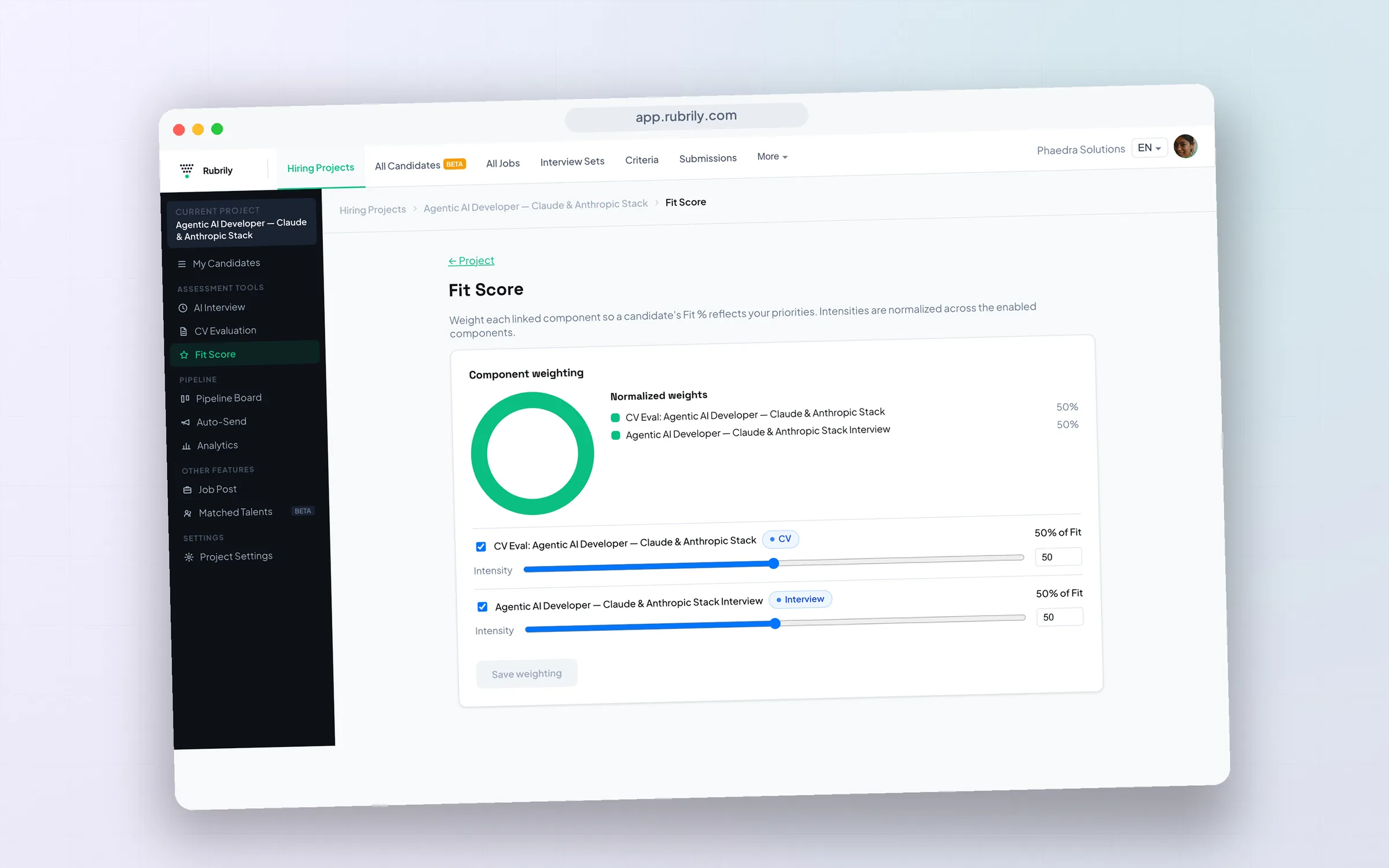
Define what a great hire means once, as 5–8 weighted criteria. From then on every applicant is interviewed, evaluated and ranked before you’ve opened a single CV.
How do I set up AI screening?
Define what a great hire looks like as weighted criteria, connect those criteria to an AI interview and CV evaluation, then invite candidates or publish your job post. From then on every applicant is interviewed, evaluated, and ranked automatically. You start at the shortlist instead of the pile.
The three steps
Step 1
Define what “great” means.
Create weighted, tiered criteria (Must Have → Good to Have) once: the same rubric drives both interview and CV scoring, and it's reusable across roles.
Step 2
AI screens every candidate.
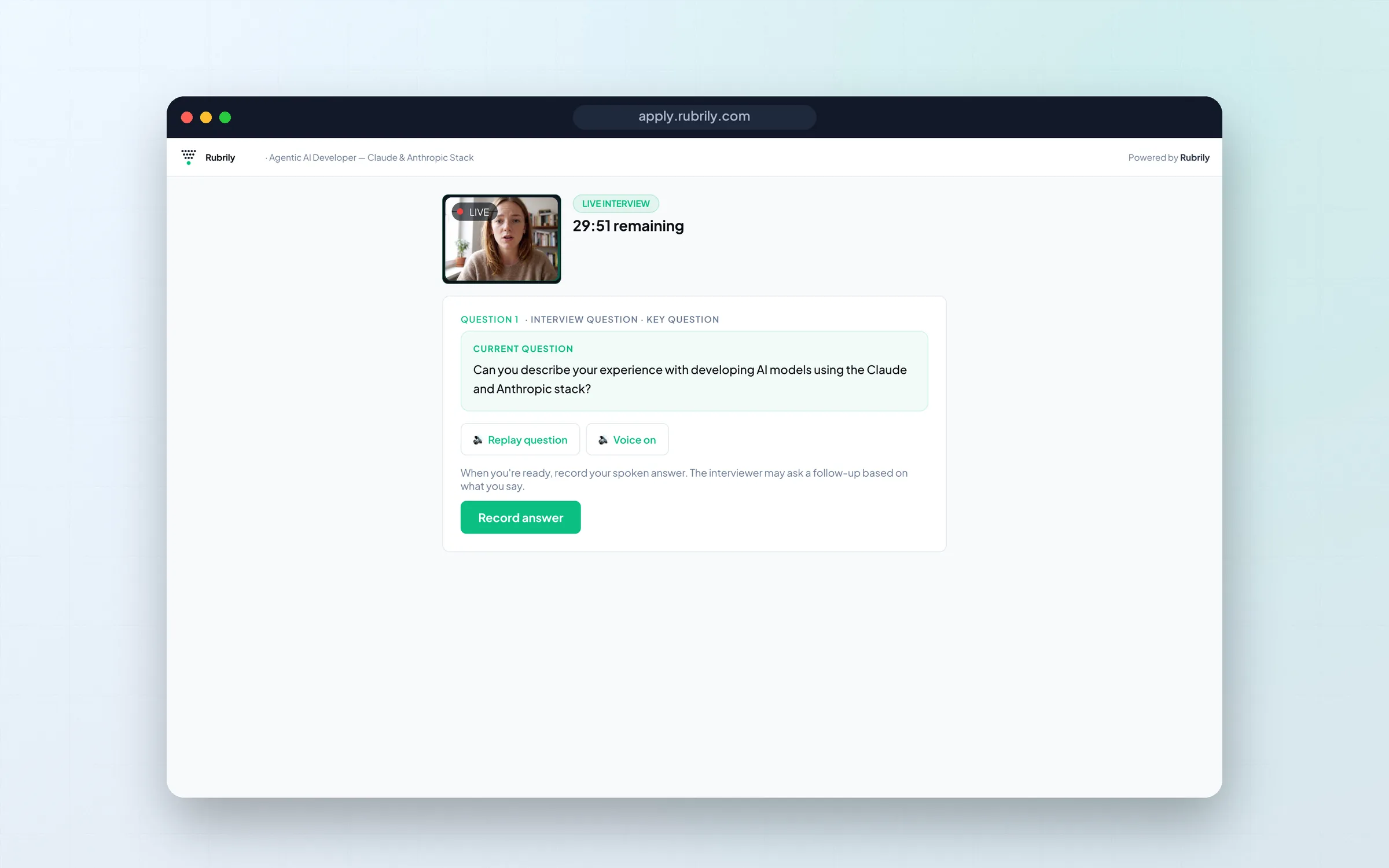
Candidates complete an async AI interview on their own time with adaptive follow-ups, and every CV is read against your rubric, each criterion scored 0–10 with written justification, so you can audit any ranking later.
Step 3
Review the ranked shortlist.
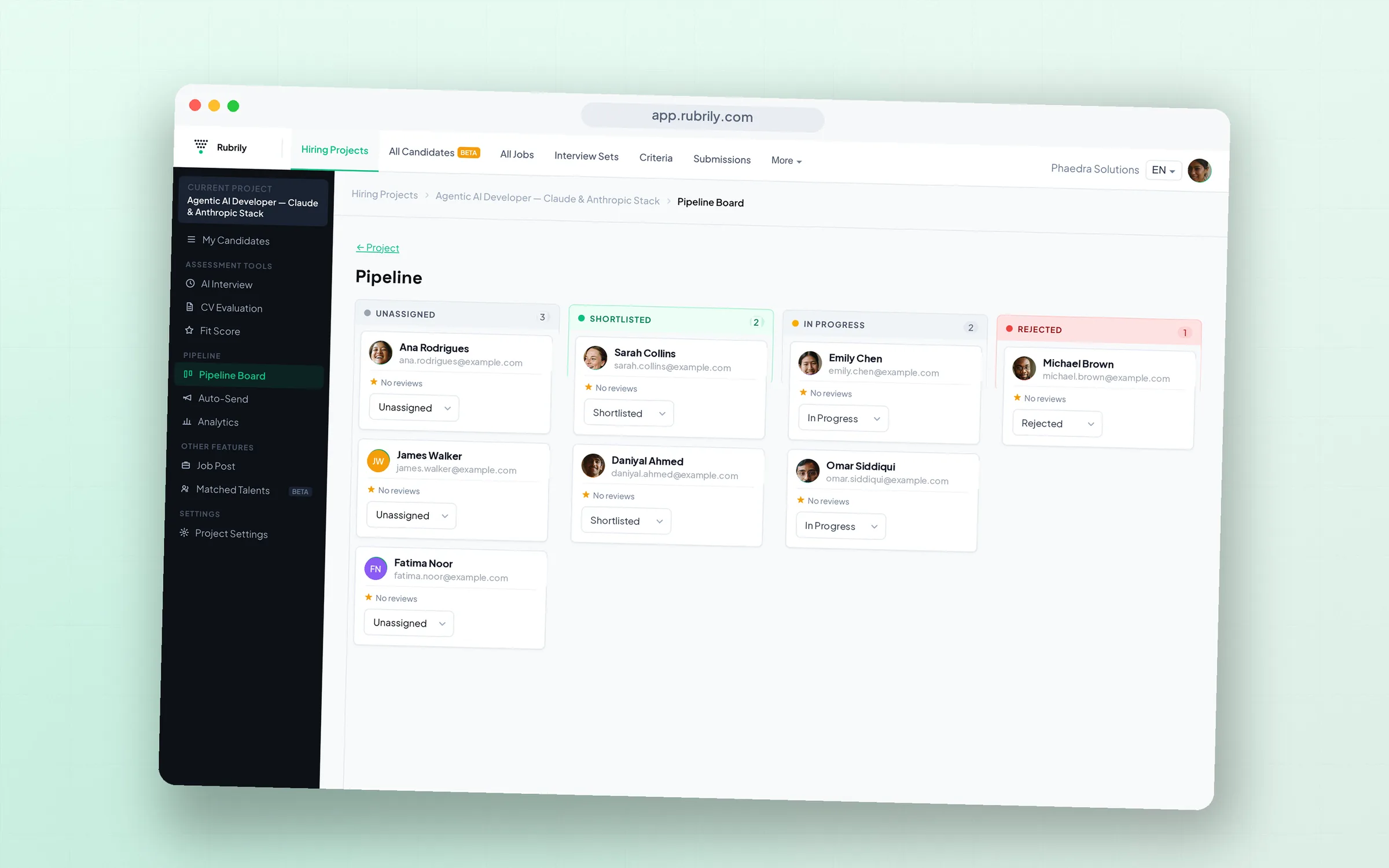
One blended Fit Score ranks candidates in your Kanban pipeline; open anyone for the full report (gauge, narrative, strengths and gaps, transcript, recording), so every "why them?" has an answer you can show.
Your first role in minutes
Create a hiring project with the guided wizard: it assembles the CV-evaluation criteria and AI-interview set in one flow. Link them, then either invite candidates directly or publish your job post with auto-invite on, so every applicant flows straight into the interview. Watch the pipeline rank itself as submissions land.